
About VCam Camera
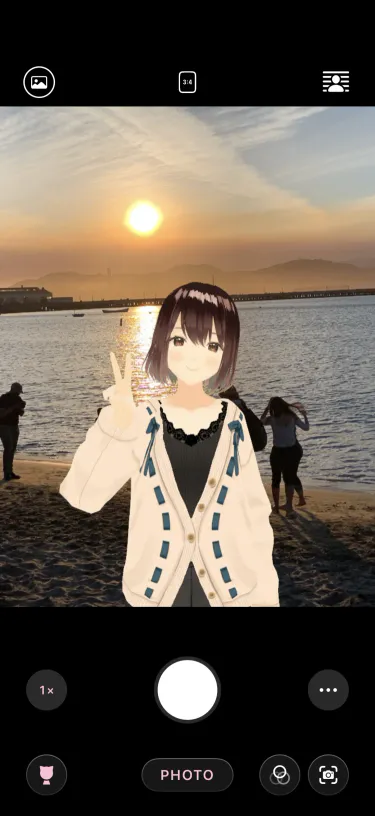
A camera app for shooting photos and videos with an avatar on iPhone and Android. The front camera tracks your face and hands, and the avatar moves with them. It works like any other camera app.
 VCam CameraGet
See “Compatibility” on the App Store page or the Google Play page for supported devices.
The app works almost the same on iPhone and Android. Features available on only one of them are noted on each page.
- Capture Modes: Snap, AR Camera (Follow Me), and Studio
- Camera Controls: Gestures, capture settings in the menu, avatar distance, palm shutter, stabilization, and landscape shots
- Editing After You Shoot: Saving and sharing, re-choosing the style, adding text, trimming videos, and GIFs
- Getting More from Avatars: What touch and hold shows, expressions and poses, accessories, and adding avatars and poses
- Backgrounds and Light: Switching between the front and back cameras, hiding yourself, shooting inside a photo, framing the background, and matching the background
- Studio: Placing avatars, tools, inset, lining up avatars, the camera, and Pro features
- Styles and Finish: Styles, frames, My Styles, and lighting
- Free and Pro: What Pro unlocks, trying Pro features, and purchasing
- When Something Feels Off: Stutter, head direction, capture modes, avatars that won’t load, recording that stops, precise face tracking, and watermark and resolution
Contact
Section titled “Contact”If these pages don’t solve it, report problems and requests through “Contact” on the VCam website.